

Last Updated on February 8, 2024
Is your Instagram account permanently deleted? Whether or not you accidentally delete it, you need to look out for ways on how to recover deleted Instagram account. It is quite normal for people to accidentally delete their Instagram account while trying to temporarily disabled it. If you have ever been in any such situation, it is going to be a mess.
Obviously, none of us would delete our Instagram accounts on purpose. If you happen to do so, you can consider reaching out to the Instagram help center. However, if you have not received any results there, in this article we will discuss a few tips that may be helpful for you.
Table of Contents
Can I recover my deleted Instagram account?
One of the most questions is if anyone can recover the account that has been deleted. Well, if you accidentally happen to delete your Instagram account, the Instagram help center provides you the option to recover your account within thirty days. So, if you manage to change your mind, you can definitely implement these solutions.
How to recover deleted Instagram account?
Now that you have deleted your Instagram account, you need to follow the steps that will help you recover it. Here are some of the tips that may be helpful for you to recover your account:
Contact the Instagram Help Center
Instagram’s support team is quite helpful in this aspect. You can connect with the technical support team of Instagram. They will redirect you to necessary pages for recovering your account.
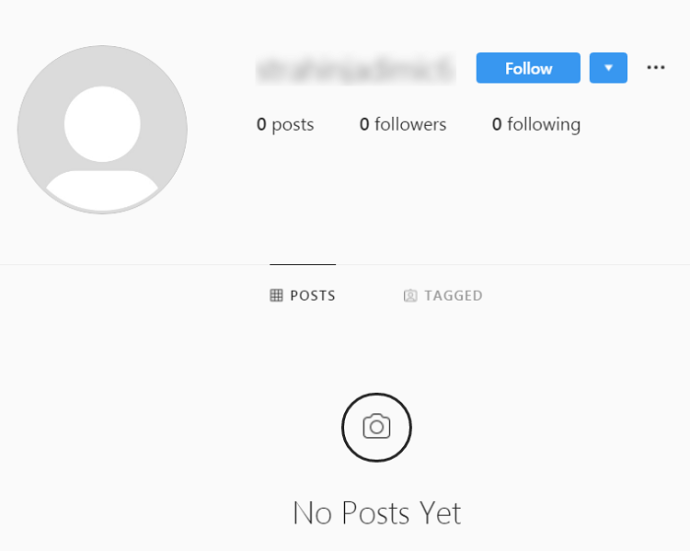
You will need to answer a few questions that may be relatable for your business and account. If you want to recover your personal account, you don’t need to enter any extra information. In the form, you may need to enter details such as full name, email ID and the country from where you’re contacting.
After submitting all your details, Instagram will analyze your entire account. They will verify the details you give and contact you within 48 hours. However, the email will connect information code. You can use it to recover the account.
Recovery via Facebook account
Not many people focus but they can restore their Instagram account via Facebook account. This step will only be valid if you do not delete your Facebook account. Once you plan to come back to Instagram, you can consider logging into your account using Facebook.
If you have forgotten the password, you should reset it. You may not believe it, but you can reset your Instagram password from Facebook. However, this step will only work for you it your Facebook and Instagram accounts are linked.
Recovering via email
You can try logging into the Instagram account via the app. If you forget the username or password, you should consider using your email instead of username. Instagram has all the data stored. Therefore, it will allow you to recover the password.
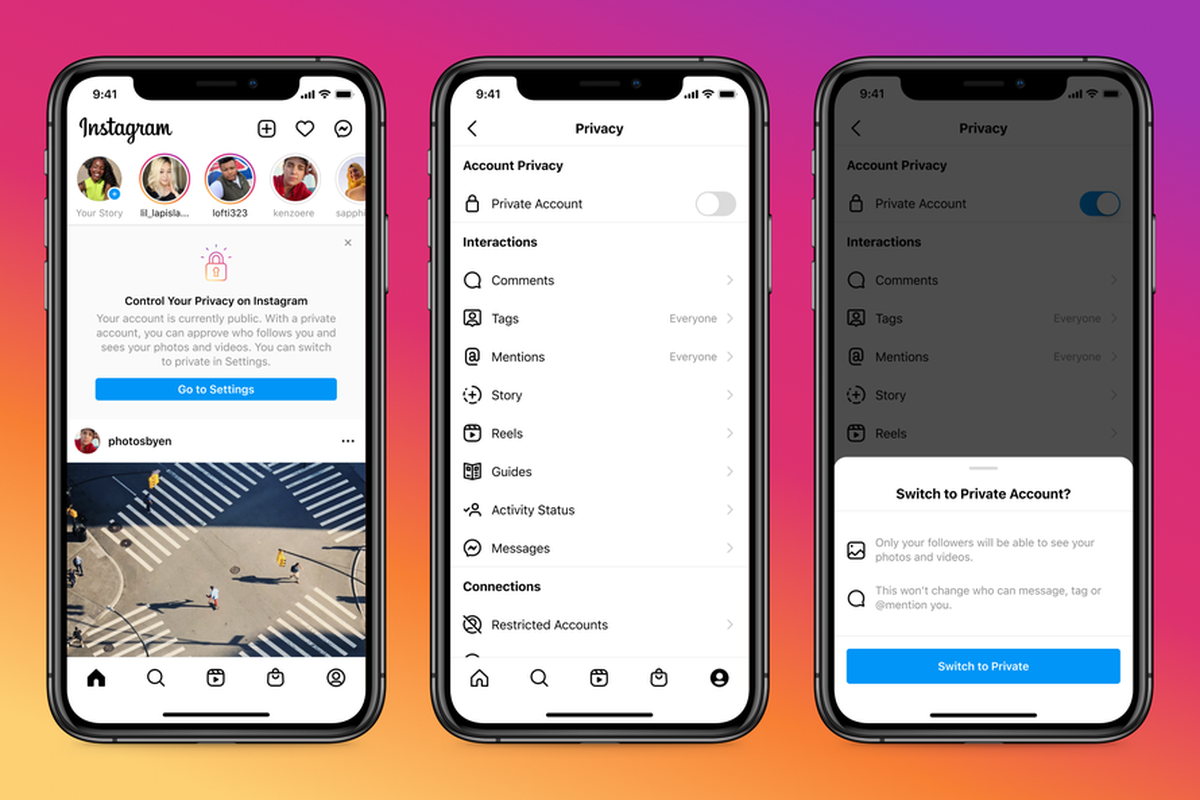
You will receive a confirmation email on the respective email. If you have any secondary email linked to your account, you can consider using it as well. Once you drop the confirmation, you will be able to retrieve your password in no time.
Can I recover an Instagram account without an email ID or Facebook?
Yes, you can. You can recover your Instagram account from Facebook or email only if you have the latest version available. It is crucial that you do some basic research about the same and keep your account updated. If you fail to do so, there are high chances that you will not be able to recover.
While everyone is using the updated version of Instagram, there are chances that you may not have it. Therefore, you should consider trying to recover the Instagram ID from your older version. The older version has certain guidelines that you need to follow to recover your password.
If you have added your phone number to your Instagram account, recovering would become easier. Furthermore, you will also be able to access which is helpful. You will get all the steps in the Instagram recovery screen.
Here are the steps to recover your Instagram account without an email ID or password.
- Visit the Instagram password recovery page.
- Click on the Registered Phone Number option and enter it.
- After entering the details, click on the Continue button. You will receive an SMS with a link that will allow you to recover your Instagram account.
- After clicking on the screen, you will need to follow the information on the screen. This will make the entire login process easy.
Is recovery possible from my laptop?
Instagram is mostly accessible from mobile. It is one of the leading social media apps. However, it is necessary to note if it can be accessed from a laptop. While almost all necessary functions of Instagram are conducted from a phone, actions such as deleting and recovering IDs can also be done from a laptop. One most important thing people don’t know is that Instagram accounts can only be deleted via your laptop.
- Visit the official website of Instagram.
- Enter the credentials you remember so that you can gain access into the account.
- Since you are trying to recover your deleted account, click on the Forget Password option.
- You will receive the reset link in your mobile number or email address.
- Whatever suits you the best, make sure to click on that option. You will receive a reset link on your email address and OTP on your mobile number.
- Once you opt for the suitable way, you will have to enter the new password to ensure faster recovery of your Instagram account.
Is it possible to recover an Instagram account from Facebook support?
You can contact the Facebook support to recover the Instagram account. This will be valid for you if you have a Business Instagram account. You can recover your Instagram Business Account by contacting Facebook support. However it is crucial that you follow the ad promotion accordingly. Furthermore, you will also need to keep a check with the Instagram account.
Final Words
Instagram is one of the most used accounts. It is crucial that you do proper research of the same. Furthermore, if your account has been hacked, you can consider reaching out to the Instagram support center. Now that you know different ways on how to recover deleted Instagram, make sure to follow the steps thoroughly.